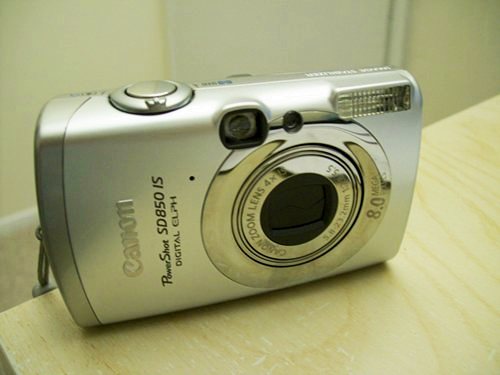
 So my wife broke the old Canon A530 that was with us for about 4 years. Now it was the time for me to get a new digital camera.
Canon A series are affordable and produce high quality images. I loved the old A530, but it has this issue I hated. The flash recharging time is so long ( 5 secs ) that it is annoying when you need to take several shots continuously with the flash on. Another issue is that the size is much bigger (bulkier) than the similar class cameras from other manufacturers.
So I decided to go with the SD series. It is said that SD series cameras are much faster charging flash after each shot which is true. And decided to go with SD850 IS, but didn’t want to spend more than $200. But SD850IS was $229 at Amazon which was one of the lowest prices I could find. So I accidentally started looking for it in the Ebay. You know, I never used Ebay before and it was bit uncomfortable first but after few trades, I decided to search for SD850IS in Ebay.
So I won mine at about $113 + $6 shipping. Total about $120. At that time, I though it was a great deal even if it was a used one.
(more…)
