 Few years ago, I was looking for some free streaming video service solutions for my website, but couldn’t find any. There was Media Streaming Server from Microsoft, but I am using LINUX. Eventually I gave up searching that I lost interest.
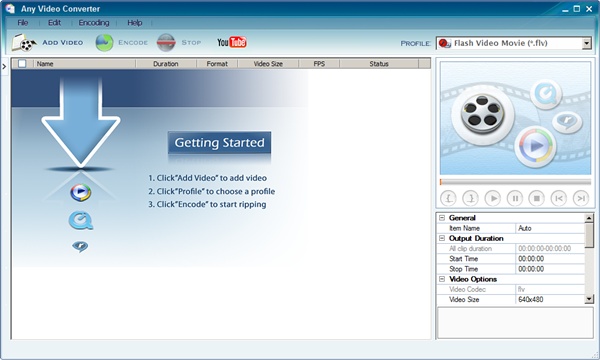
But now that many movie sharing web sites are using Flash Video ( files extension .flv) I decided to take some time to learn how to embed streaming video to a website using Freewares.
Flash Video is a technology that supports streaming video naturally using Adobe Flash Player. You do not need to buy that expensive streaming media server for this. Users do require to install Adobe Flash Player in their computer in order to view this Flash videos. But most of the casual users already have the Flash installed so don’t worry. You can learn all about the Flash Video technology at Flash Video Wikipedia.
Note that if you are looking for an easy solution, you should think about utilizing sharing services such as YouTube. It’s a great service that you can upload regular movie files – such as .avi, .wmv – and it will be automatically converted to flash video. Once you upload your movie, you will get little html <embed> code snippets that you can insert to your web page.
(more…)